

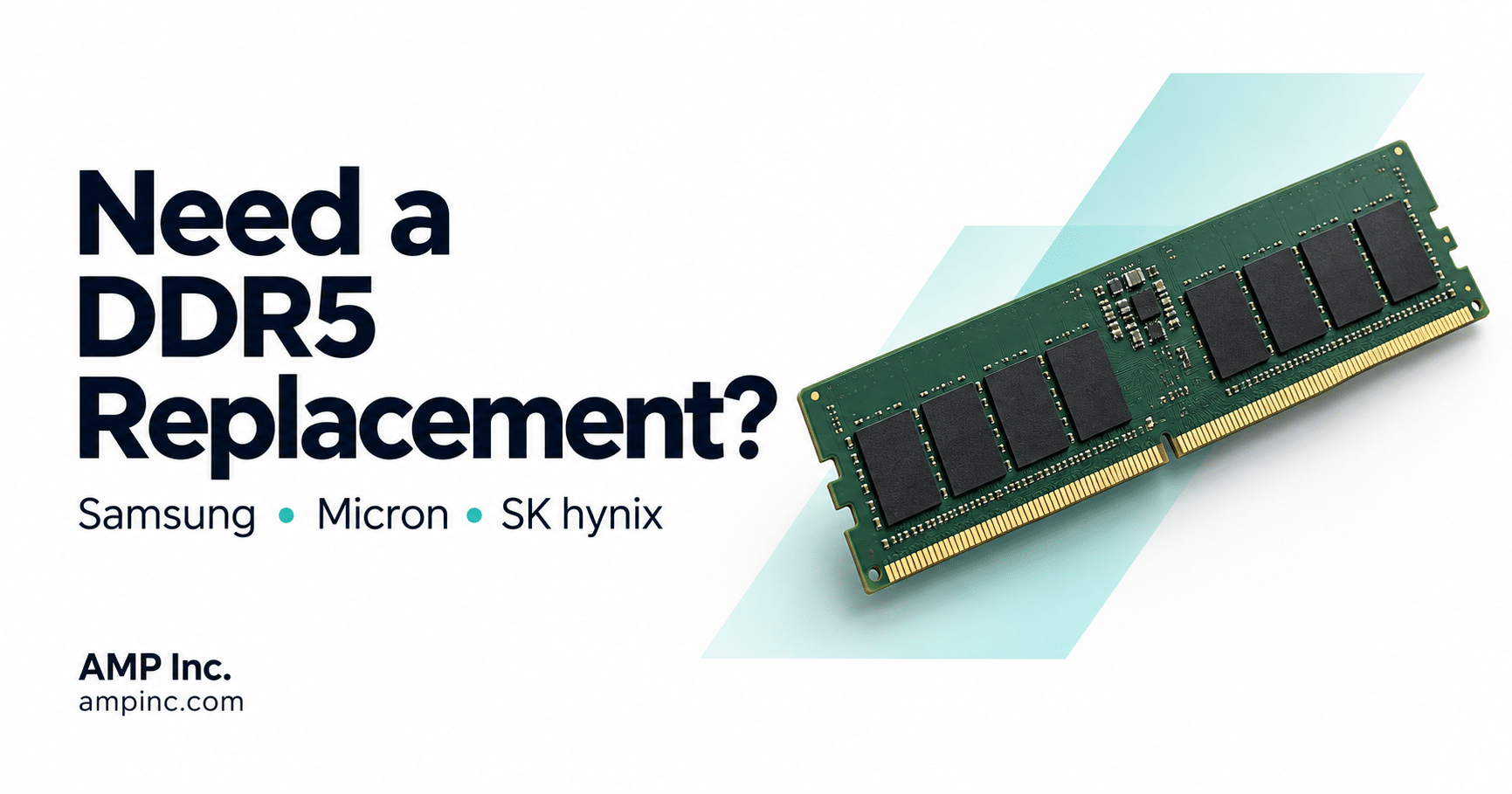
Need a DDR5 replacement for a Samsung, Micron or SK hynix part number? Start with your existing module number to compare selected AMP alternatives. Whether you are reviewing a second source or replacing an installed module, AMP can review your part number, quantity and system requirements to help identify a potential replacement.
How to Find a DDR5 Replacement
Start with the complete Samsung, Micron or SK hynix part number printed on the existing module. Use it to identify a potential AMP alternative, then confirm the module type—such as RDIMM, U-DIMM or SO-DIMM—along with ECC, capacity, data rate, rank and organization. Two modules labeled “DDR5-4800 32GB” can still be incompatible if their architectures or organizations differ.
Have your part number ready? Email it to AMP sales with your quantity. Add your system model if known.
Start with the Full DDR5 Manufacturer Part Number
The fastest way to begin a replacement search is to record the complete manufacturer part number printed on the module label. Do not rely only on a shortened description such as “16GB DDR5-4800,” because multiple RDIMM, U-DIMM and SO-DIMM configurations can share that description.
Also record the system or motherboard model, installed quantity and desired replacement quantity. Together, those details give AMP a better basis for identifying a potential replacement.
Important: A cross-reference identifies comparable specifications; it does not guarantee operation in every platform. The proposed module should still be checked against the system documentation and validated in the target configuration.
How to Recognize Samsung, Micron and SK hynix DDR5 Part Numbers
| Manufacturer | DDR5 Module Prefixes in AMP’s Guide | Examples |
|---|---|---|
| Samsung | M425R, M324R and M321R | M425R2GA3BB0-CQK, M324R2GA3BB0-CQK, M321R4GA3BB6-CQK |
| Micron | MTC | MTC8C1084S1SC48BA1, MTC10F1084S1RC48BA1, MTC20F2085S1RC48BA1 |
| SK hynix | HMCG | HMCG78MEBSA095N, HMCG78MEBEA084N, HMCG88MEBRA174N |
The prefix helps identify a product family, but the complete suffix matters. Copy every character from the label, including letters and numbers after the final hyphen, when searching or requesting an AMP equivalent.
DDR5 Replacement Examples: Samsung, Micron and SK hynix
| Manufacturer Part Number | Module Description | Selected AMP Cross-Reference |
|---|---|---|
| Samsung M425R2GA3BB0-CQK | 16GB DDR5-4800 SO-DIMM, 1Rx8 | AMPOL56016G18D0TB-CQK48 Inquire about this replacement |
| Micron MTC10F1084S1RC48BA1 | 16GB DDR5-4800 RDIMM, 1Rx8 | AMPOL584016G18A0TB-CQK48 Inquire about this replacement |
| SK hynix HMCG88MEBRA174N | 32GB DDR5-4800 RDIMM, 2Rx8 | AMPOL58403228B0TB-CQK48 Inquire about this replacement |
These are selected examples from AMP’s broader DDR5 Memory Compatibility Guide. Review the guide for additional Samsung, Micron and SK hynix part numbers and verify the latest specifications before placing an order.
What to Check Before Choosing a DDR5 Replacement
- Module format: RDIMM, U-DIMM and SO-DIMM are not interchangeable.
- Capacity: Confirm the required capacity per module and remain within the platform’s slot and total-memory limits.
- Speed: Confirm the DDR5 data rate supported by the memory controller and motherboard.
- ECC architecture: Confirm whether the system requires system-level ECC; DDR5 on-die ECC is not the same feature.
- Rank and organization: Check that the host supports the proposed configuration, such as 1Rx8 or 2Rx8; matching capacity alone is not enough.
- Operating grade: Verify commercial or industrial-temperature requirements for the application.
What If Your Samsung, Micron or SK hynix Part Number Is Not Listed?
Your part number does not need to appear in the guide to request a review. Send AMP the complete manufacturer part number and required quantity. If available, include the following details so our team can assess your application:
- The complete Samsung, Micron or SK hynix part number
- The server, workstation, motherboard or embedded-system model
- The required capacity and quantity
- Commercial or industrial operating-temperature requirements
- Any lifecycle, coating or application-specific requirements
AMP can then review currently available DDR5 RDIMM, U-DIMM and SO-DIMM options against the requirement.
Need an AMP Replacement for a Samsung, Micron or SK hynix Module?
Send AMP the complete Samsung, Micron or SK hynix memory part number, system model and required quantity. Our team can help identify a potential AMP DDR5 replacement and review module type, capacity, speed, rank, organization, ECC and operating-grade requirements.
Email sales@ampinc.com or call (714) 460-9800.
DDR5 Memory Compatibility FAQ
No. DDR5 modules can differ by physical format, registered or unbuffered architecture, ECC configuration, capacity, speed, rank and DRAM organization. The complete module specification must match the host platform’s supported configuration.
No. DDR4 and DDR5 use different electrical and architectural designs. A DDR5 module requires a DDR5-compatible processor, memory controller, motherboard and firmware.
Generally, no. RDIMMs are registered modules, while U-DIMMs are unbuffered. The host platform is designed for a specific memory architecture, so use only the module type supported by the system manufacturer.
No. DDR5 DRAM includes on-die error correction, but that is different from system-level ECC across the memory channel. Module-level ECC support varies by part number and must also be supported by the host platform.
It may operate at a lower supported data rate, but this depends on the memory controller, motherboard, firmware and module configuration. Confirm support for the exact part number rather than relying on speed alone.
Sources: Micron DDR5 SDRAM overview; Micron DRAM cross-reference tool; Samsung DDR5 overview.
Example AMP references follow the published compatibility guide. Ask sales to confirm the exact ordering part number, specifications, availability and lead time for your requirement.


